




03 Apr How To Maximize Comfort With Your CPAP Equipment
Many patients struggle with sleep apnea, so they get therapy machines from specialized local CPAP clinics. These clinics supply the primary breathing devices, and they teach users about proper daily operation. Because adjusting to nighttime therapy takes continuous practice, trained technicians guide patients through the initial setup phase. Here is how to maximize your comfort using your equipment from a CPAP clinic:
Find a Properly Fitting Mask
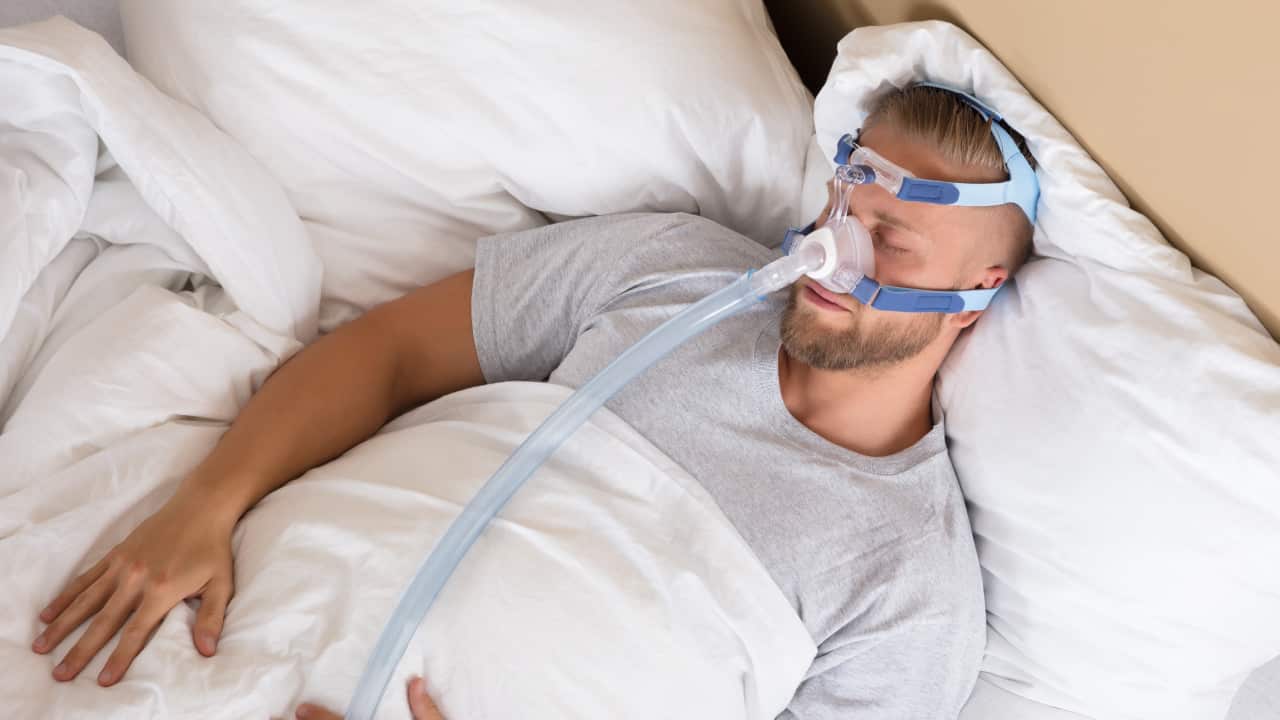
Masks rest gently at the nostrils, but full-face models may cover the mouth entirely. Users select headgear straps based directly on their specific nighttime sleeping positions. When individuals sleep primarily on their sides, low-profile masks prevent uncomfortable pressure on the face. A loose fit causes excessive noise, but a tight fit leaves red marks on the skin.
Because faces change shape over time, standard cushions lose their original tight seal gradually. You adjust the mask as needed, or you replace the worn silicone parts. An exact fit eliminates disruptive air leaks near the sensitive eye region. Before you purchase a replacement cushion, measure your nose exactly according to the sizing guide.
Learn From a Specialist
Specialists understand the airflow settings, and they calibrate the machines for specific breathing patterns. While you might read the instruction manuals, professional technicians offer much more precise pressure adjustments. These individuals translate complex data reports into understandable steps for regular daily use. They review the usage metrics periodically, and they modify the pressure variables accordingly for comfort.
If you experience unexpected mask leaks, a technician identifies the exact source of the escaping air. Proper instruction at a CPAP clinic helps to prevent skin irritation problems around the sensitive nose area. You schedule regular follow-up appointments, or you contact the support staff directly for immediate assistance. Since different mask styles fit differently, experts evaluate your face structure to find the right match.
Machine data shows your breathing pauses during the entire night of restful sleep. When these metrics vary over time, a specialist tracks changes in your sleep architecture closely. They update the machine software to maintain optimal functionality for your ongoing breathing therapy.
Clean Machine Regularly
Daily maintenance removes harmful bacteria from the long plastic tubing safely. Water removes the surface oils, and a dry cloth wipes the exterior casing clean easily. While you wash the silicone parts with mild soap, you inspect the frame for tiny cracks. You place the washed components in a shaded area to air dry completely.
- Empty the water chamber each morning to prevent mold growth.
- Wash the heated hose with warm, soapy water weekly.
- Replace the disposable white air filters every single month.
- Wipe the mask cushion with a damp towel daily.
Adjust Plan as Needed
Weight loss may alter your required pressure needs, or new medications can change your respiratory function. Whenever your physical health shifts significantly, the therapy device requires updated baseline pressure settings. Medical providers monitor these distinct bodily changes over the course of your ongoing treatment. Seasonal climate variations affect humidity requirements, and the machine automatically senses the room temperature.
Visit a CPAP Clinic
As you continue your nightly therapy, professional guidance makes the routine much easier to manage. You learn new maintenance techniques from experts, and you discover updated mask models at the facility. Book an appointment today to check your current equipment condition thoroughly. If you want better sleep quality, call a local specialist to discuss your ongoing machine settings.
Sorry, the comment form is closed at this time.